Scene study
Wellness studio for your digital twin.
A calm fitness-family direction for a welcoming introduction. Choose a setting that supports what you want to say.
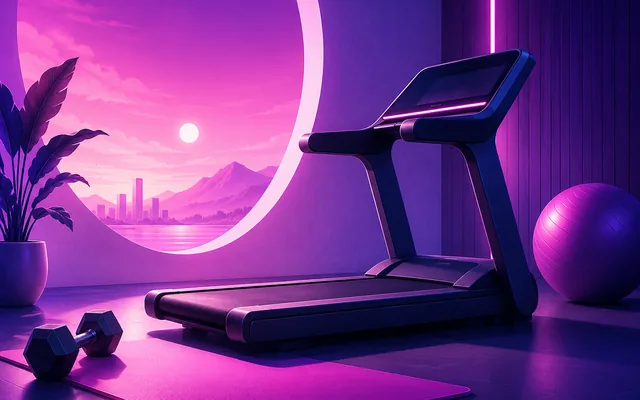
A setting with a purpose.
Invite a moment of reflection before a session.
Example message · not a customer quoteTake a moment to notice what feels manageable today.
Choose gentle framing and expression; the fitness-family illustration is a category reference, not a treatment space or a health outcome.
Picture first. Motion if it adds something.
Make a standalone image for a cover, invitation or caption-led post. Review the setting, face, hands and clothing together. If a spoken explanation helps, use your selected image for an optional short video and review the resulting motion separately. The scene name is a creative direction, not a promise of an exact composition or a real lifestyle.
Bring your own photo and message to guided Create. Choose from the scenes and options actually available to your account; this page does not preselect a scene in the app.
When the real setting is the story
Choose your own footage for breathing technique, precise movement or a sensitive lived health story. A generated setting cannot document where you have been, what you own or what happened. Use an appropriate synthetic-content disclosure when sharing.
Make the context clear →Try a related mood
Questions before you begin
Is this a photograph of a real location?
No. The artwork illustrates a scene family. It does not establish a real location, visit, membership or lifestyle.
Can I keep the image without making a video?
Yes. The image is a standalone result. Continue into optional video only when motion or speech helps your message.
Make something that carries your idea.
Start with one clear photo and one message. Free image creation is a way to explore the workflow; available Credits and the quote shown in the app determine what you can create. Video is optional. Guided Agency requires eligible active Creator or Pro access.
Plan recurring content with Agency →