Create · images and optional video
Choose how you create with Kynara.
Start with a single content idea or build a four-week personal plan. Both routes lead to deliberate creation and your own review.
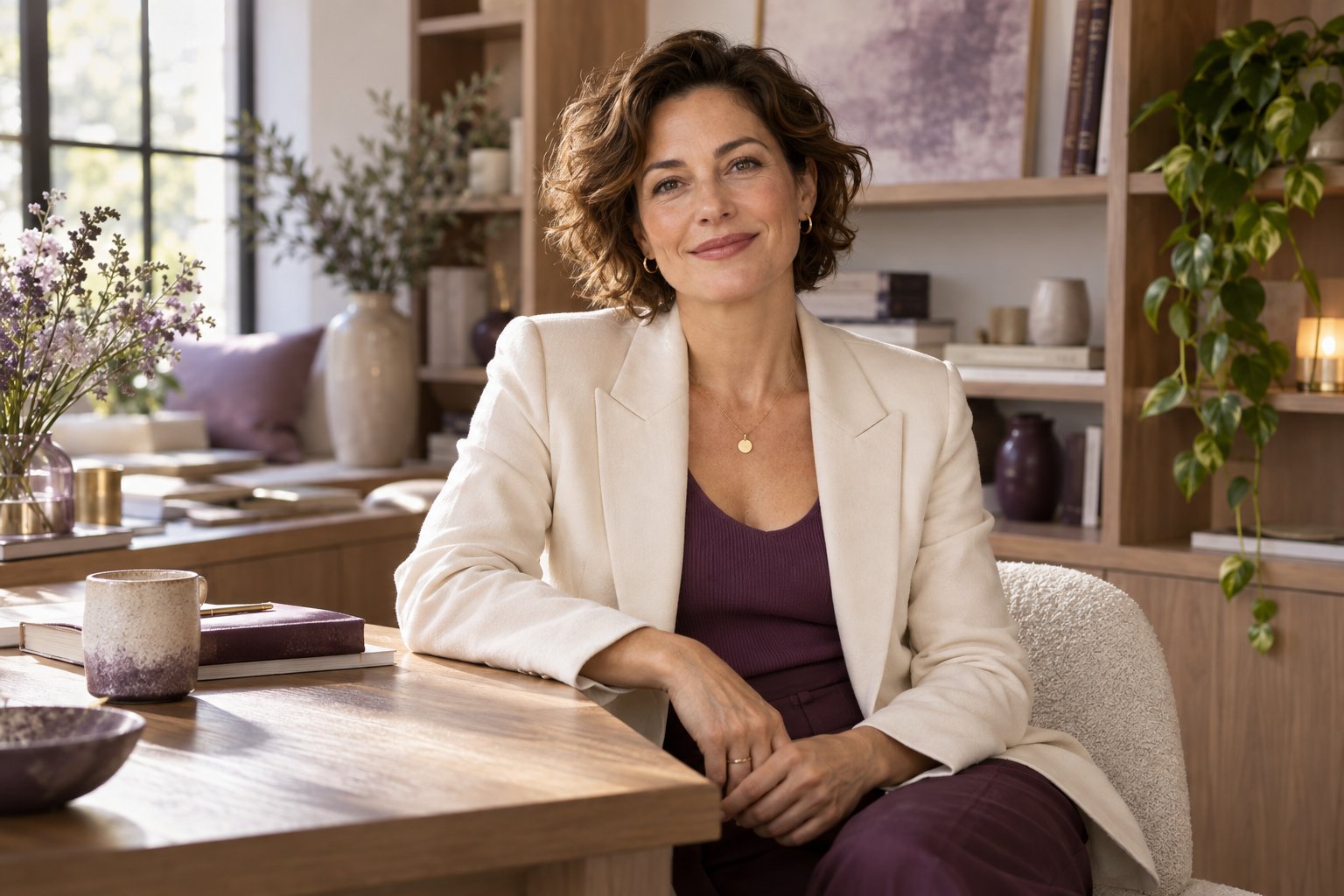
Begin with something you want to say.
For example, introduce one decision behind your work: “I start by asking which problem we actually need to solve.” A still portrait and caption may express it well. Choose a short video when your spoken explanation adds something; use an original recording when the real event or demonstration is the story.
From your idea to something you can use.
Bring your own starting point
Choose a clear, current photo of yourself and a specific idea: an invitation, a point of view or a visual theme. Use only material you are entitled to use.
Choose the picture
Follow the guided scene, look and framing choices. Review likeness, hands, clothing and context. A Digital Twin Image is a standalone result for a post, cover or announcement.
Add video when the message needs a voice
Use the selected image as the visual starting point. Prepare a short script or the supported audio input, check the quote and review speech, pronunciation, motion and lip sync before sharing.
Share deliberately
Check facts, dates and disclosure. Download through the app and share manually on your chosen channel. A generated setting is an illustration, not evidence of a real event.
Your appearance, voice and ideas have different roles.
- Digital Twin / KynFace
- Your visual presence. One-photo creation is separate from KynFace, a trained personal profile built from 20 guided photos. Training must finish before the profile is ready to use.
- KynVoice
- A personal voice resource with its own setup and permissions. Uploading audio for a video is a different action; a personal content plan does not grant voice permissions.
- Semantic Twin
- Your confirmed ideas, preferences and boundaries for Agency planning. It is not a copy of your personality. An uploaded source or an audience comment does not automatically become your belief.
Create one piece, or plan a recurring series.
Create
Bring a photo and a concrete idea. Make guided visual choices, review the image and keep it as a standalone result. Continue into optional video only if it fits.
Open CreateAgency
Enter directly, without a Create prerequisite. Eligible Creator and Pro members confirm their ideas, preferences and boundaries, shape a four-week personal plan, choose a Content Opportunity, create deliberately, share manually and give feedback.
Explore AgencyKeep the original when precision matters.
Use your own footage for a real conversation, product demonstration, exact movement or sensitive lived story. Twin content can introduce that material, but a generated setting or body is not evidence of an experience, product behavior or outcome.
Review current plans and Credits →Questions before you begin
Do I need to make a video?
No. A Digital Twin Image is a standalone result. Video is optional.
Does a plan automatically create or publish my content?
No. Creation follows the normal quote and Credit steps. Share manually; Full Automation is not available.
Where can I see an actual public showcase?
The homepage includes Hugo’s public image and video showcase with its original attribution. Illustrative campaign concepts on this page are not that product evidence.