
Beach walk
An open, unhurried coastal mood. Introduce a reflection on changing pace.
Scenes
Choose by mood and communication purpose. These illustrations show scene families, not verified output, locations or lifestyle evidence.
An open, unhurried coastal mood. Introduce a reflection on changing pace.
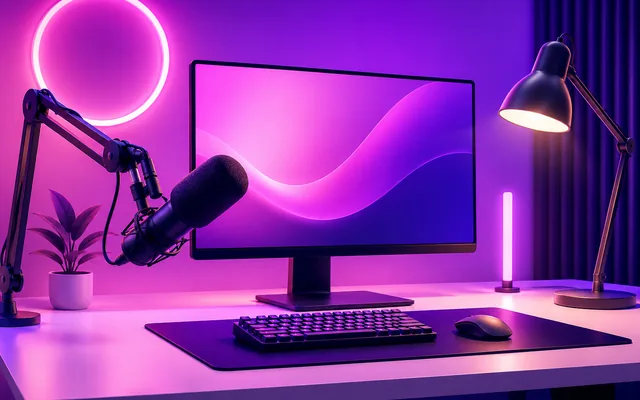
A focused setting for direct conversation. Introduce a recurring question-and-answer series.
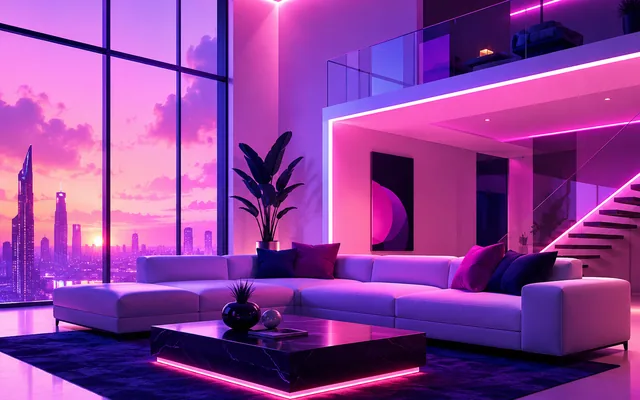
Contrast and an experimental technology mood. Frame a personal view on a new creative habit.
A structured, professional interior direction. Explain how you prepare for a difficult decision.
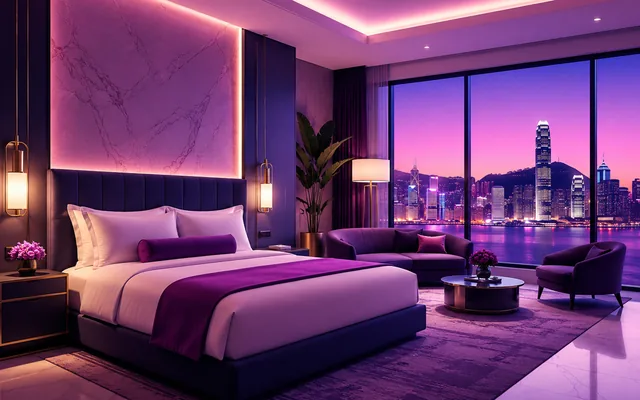
A private, reflective travel-inspired interior. Introduce a packing philosophy or a reset between projects.

An outward-facing sense of arrival and transition. Announce a new chapter in a creative project.
Leisure, light and a resort-inspired pause. Share a visual theme about making time away from work.
A familiar interior for everyday explanations. Introduce a small habit for organizing a creative week.
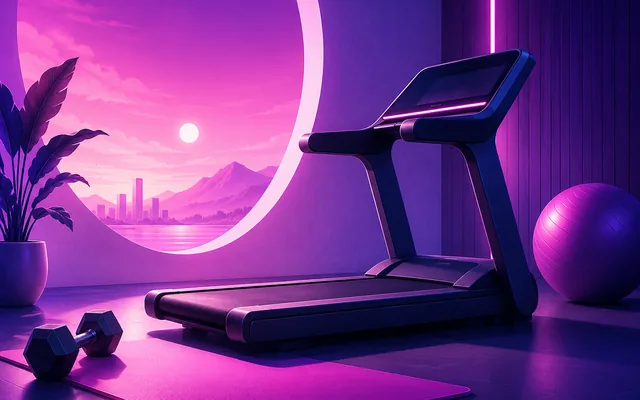
Energy and a fitness-oriented context. Introduce your approach to showing up consistently.
A staged travel theme for a prepared message. Introduce an idea about using transition time thoughtfully.
A quiet interior for a considered conversation. Explain a question you ask before accepting a project.
Open urban space with a daytime direction. Invite people to look at a familiar problem from another angle.
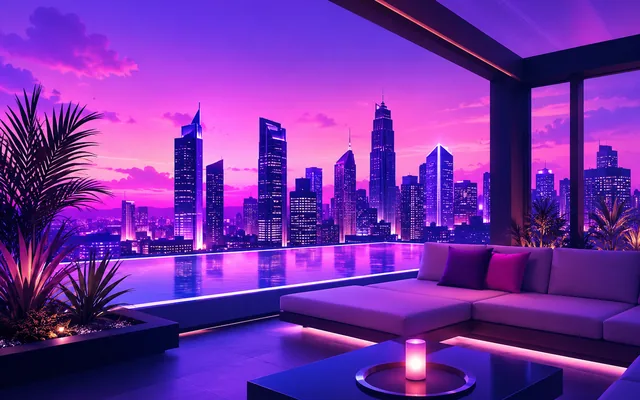
A city-at-dusk mood for an evening reflection. Close a series with one considered takeaway.
A calm fitness-family direction for a welcoming introduction. Invite a moment of reflection before a session.
A studio can focus attention on an explanation; an open coastal direction can accompany a reflective thought. Review face, framing and context together. Use an image as a complete post, or add optional video when speech helps. Current scene choices depend on what the app offers your account.